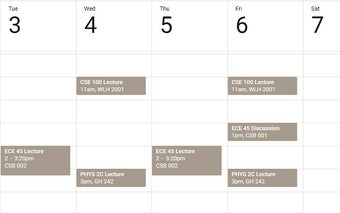
UCSD Schedule to Calendar for Chrome from OTApps
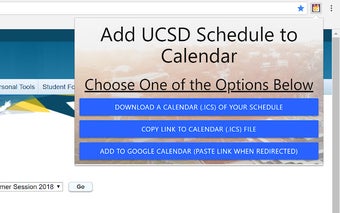
This is an extension to UCSD Schedule to Calendar that allows you to create an .ics file from your schedule from the internet. Once you have the file, you can import it into any calendar, either through the GUI or programmatically.
Top Recommended Alternative

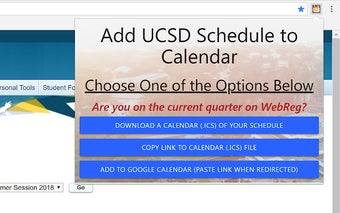
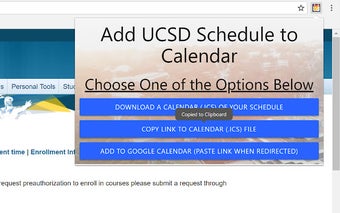
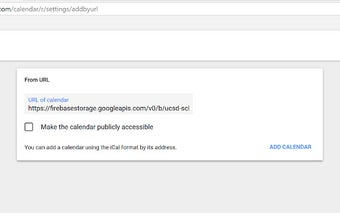
To add a link to the schedule, click the icon on the extension, and click the add button. It will create a link for the student to copy to a browser. When it is created, you will receive an email with the link to add to the calendar.
You can also view the current quarter schedule and succeeding quarters on the extension. This allows students to have a more intuitive and helpful interface when adding to their calendars. There is a section for creating the file and where to import it. It is set to work until 2023 and does not work with Special Summer Session courses.